Clinic Management Software Buyer's Guide (2026)
How to choose clinic management software: the features that matter for OPD records, appointments, and billing — plus red flags and the questions vendors dodge.
Most clinic software purchases start the same way: a doctor, tired of paper registers and end-of-day billing arithmetic, searches for solutions and lands in a swamp of acronyms — EMR, EHR, HIS, HMS, PMS — most of which describe hospital machinery a clinic doesn't need.
This guide cuts the swamp down to what an outpatient clinic actually needs, what's optional, and the questions that expose weak products before you've signed anything.
First: buy for the OPD you run, not the hospital you aren't
Clinic and OPD software has exactly one job: run the outpatient loop — register → queue → consult → bill → follow up — with one linked record per patient. Hospital information systems (HIS) add wards, labs, pharmacy stock, and inter-department orders on top. If you don't admit patients, every one of those modules is cost and complexity with no return.
So the first filter is scope: shortlist products whose center of gravity is the OPD. (For the operational side of that loop, see our guide to streamlining OPD operations.)
The five features that carry the clinic
1. One patient, one record — forever
Registration happens once; every subsequent visit attaches to the same record, findable by name or phone in seconds. This is the foundation everything else stands on. Test it bluntly in demos: register a patient, add two visits, then find them by a partial phone number.
2. Appointments that coexist with walk-ins
Indian clinics run mixed flows — some booked, most walked-in. Software that assumes pure appointments (or pure walk-ins) fights your reality daily. You want slots and walk-in tokens merging into one visible queue, so neither stream starves the other. Pairing with a token system that announces patients (here's how clinics use queue systems) is the strongest version of this.
3. Consultation records the doctor will actually keep
If recording a consultation takes longer than the consultation, it won't happen and the system dies. Look for fast structured entry — complaints, diagnosis, prescription templates, common-medicine shortcuts — with free text where nuance needs it. The prescription should print (or WhatsApp) instantly, because that's the artifact the patient is waiting for.
4. Billing generated from the visit
Charges should flow from what happened — consultation fee, procedures, consumables — into a bill that's ready when the patient stands up. Manual end-of-day billing is where clinics leak revenue and evenings. Daily collection reports should build themselves.
5. Reports without a spreadsheet ritual
Visits per day/doctor, revenue, outstanding payments, returning-patient rate. Five numbers, zero effort. If insight requires exporting CSVs, the insight won't happen during the months you're busy — which are the months you need it.
Worth having, but negotiable
- Multi-doctor scheduling and room allocation — essential for polyclinics, irrelevant solo.
- Patient reminders (appointments, follow-ups, recalls) via SMS/WhatsApp — strong retention lever, confirm per-message costs.
- Basic inventory for consumables — useful if you dispense; skip full pharmacy modules otherwise.
- Multi-branch views — only if you actually have branches; don't pay for your five-year plan today.
Red flags that predict regret
- "We'll need to install it on your server." Legacy on-premise means backups, updates, and failures are your problem. Cloud with automatic backups is the modern default.
- Data export requires "a request". Your patient records must be exportable, self-serve, any day. Ask them to show the export button live — hedging here is disqualifying.
- Demo only shows the admin view, never the crowded-Tuesday reception view with a queue and three walk-ins.
- Per-feature pricing sprawl that doubles the quoted price by the time registration, billing, and reminders are all "modules".
- No local references. Two clinics of your size and specialty, phone numbers, and permission to call — a healthy vendor produces these happily.
The demo script that saves you months
Run every shortlisted product through the same fifteen minutes, with your own scenarios: register a new patient → book tomorrow's appointment → take a walk-in token → complete a consultation with a prescription → bill it → find yesterday's patient by partial phone number → pull today's collection report. Time it, and note every step where the vendor says "so for that, you'd go to…". Friction in the demo is friction at 7 pm with a full waiting room.
Where OPD Connect fits
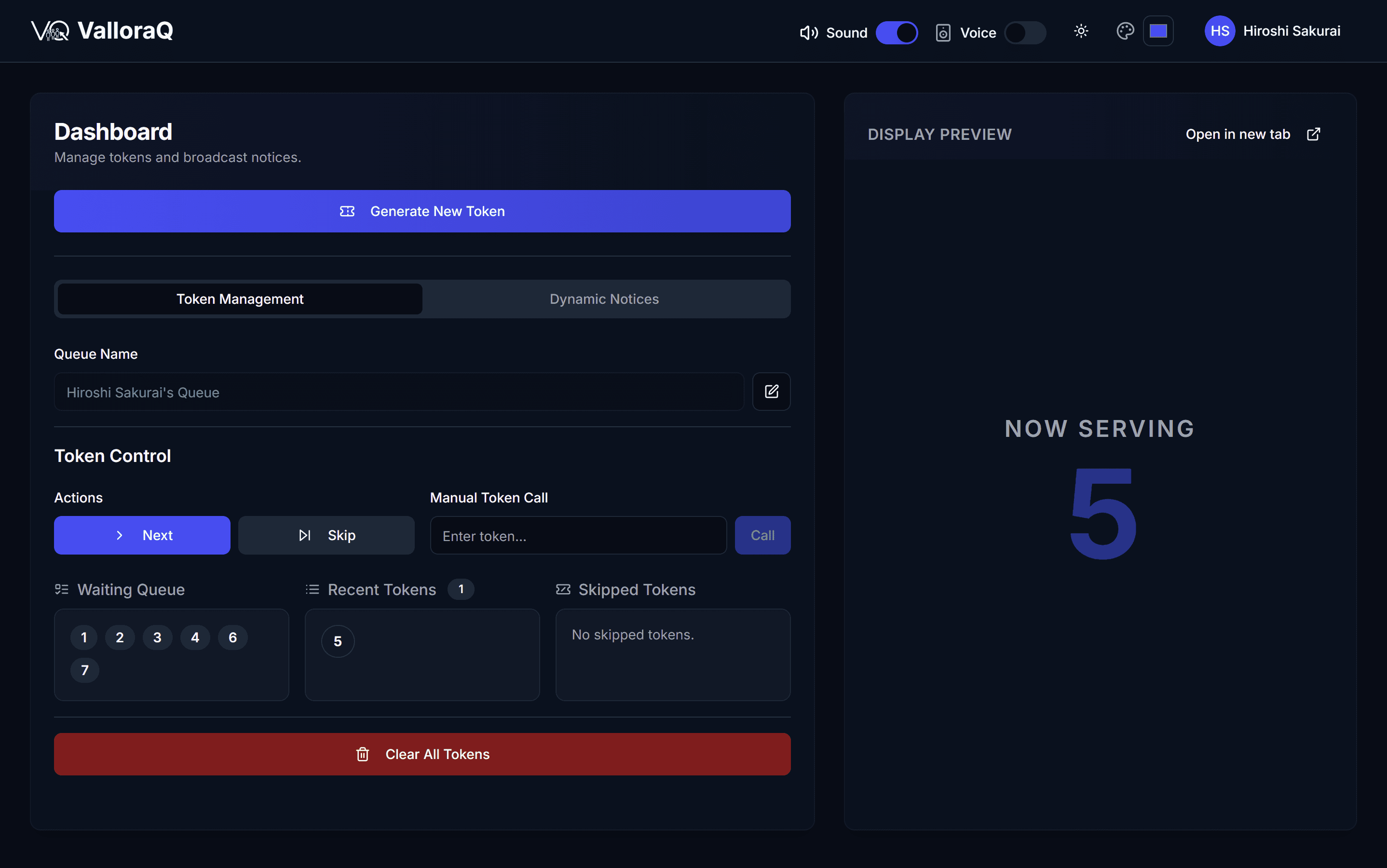
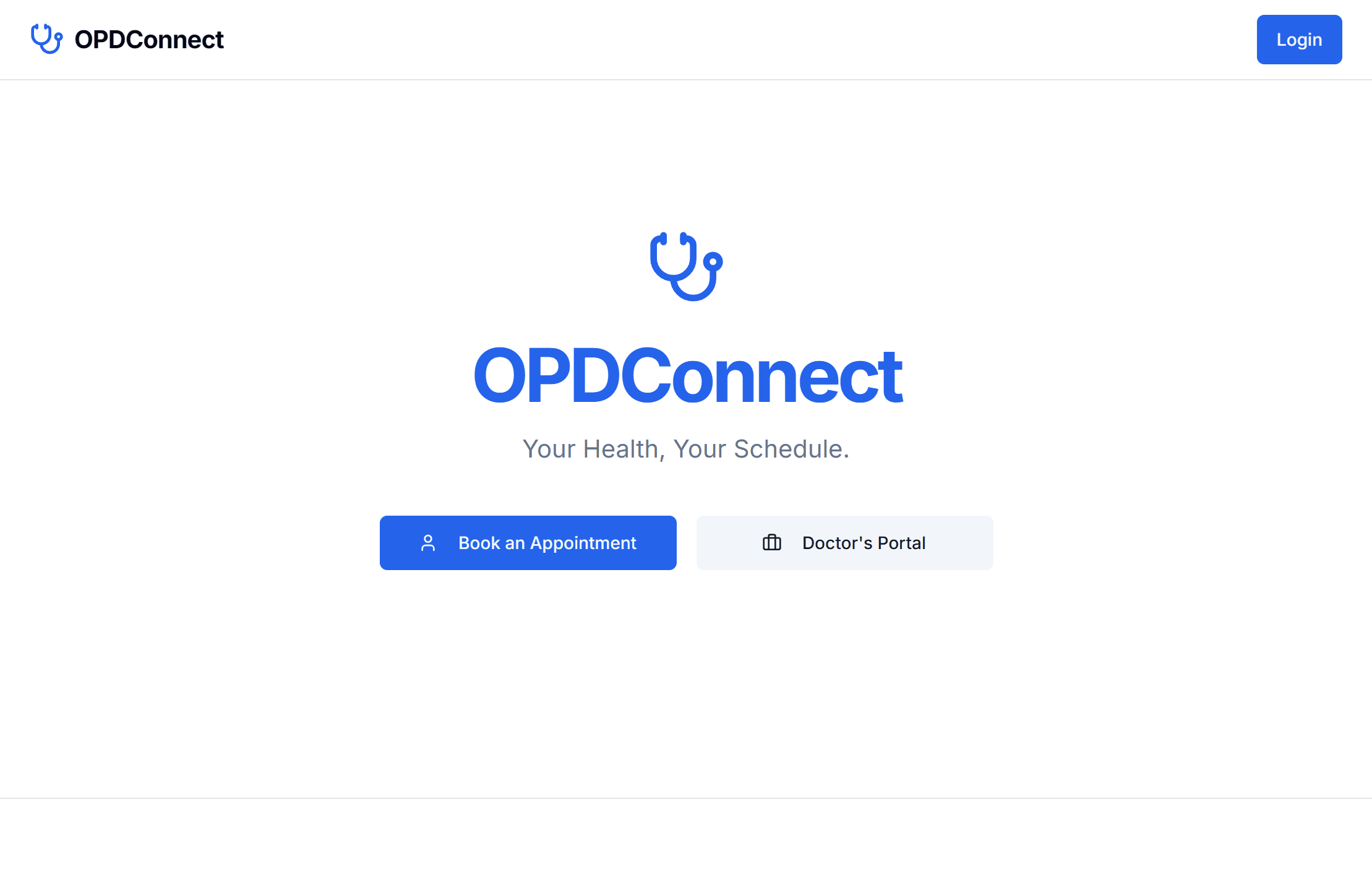
OPD Connect (our product) is built precisely to this guide's spec — because we wrote both from the same convictions: OPD-focused patient records, appointments merged with walk-ins, consultation-to-bill flow, and self-building daily reports, cloud-based with no server in your clinic. It pairs natively with ValloraQ for token queues and voice announcements, priced per clinic for Indian practices.
Bring this guide's demo script to us first or last — we're happy to be timed.
Frequently asked questions
- What does clinic management software do?
- It digitizes the outpatient workflow: patient registration and records, appointment scheduling, consultation notes and prescriptions, billing, and daily reports. The goal is one linked record per patient instead of paper registers and disconnected notebooks.
- How much does clinic management software cost in India?
- Cloud-based clinic software is typically a monthly or annual subscription per clinic, scaled by doctors and modules — a small fraction of one staff salary. Beware of legacy systems quoting one-time licenses plus installation plus AMC; the cloud subscription model is usually cheaper and always simpler.
- What is the difference between clinic software and hospital software (HIS)?
- Hospital information systems cover admissions, wards, labs, pharmacy, and inter-department workflows — heavy machinery clinics don't need. Clinic/OPD software focuses on outpatient flow: register, consult, bill, follow up. Buying an HIS for a clinic means paying for and configuring complexity you'll never use.
- Is cloud-based clinic software safe for patient data?
- Reputable cloud systems are typically safer than the alternative — a PC at reception with no backups. Look for encrypted access, role-based permissions, and automatic backups, and ask the vendor directly where data is stored and how you can export it.
Ready to launch fast and scale smart?
Kaelix Technologies builds rapid, AI-powered software for growing businesses. Tell us your workflow and we'll show you what's possible.