How to Streamline OPD Operations: A Practical Clinic Guide
OPD management doesn't have to mean crowded waiting rooms and paper registers. A practical guide to streamlining registration, queues, records, and billing.
Walk into a busy clinic at 6 pm and you can usually see the whole problem in one glance: a crowded reception, a paper register that only one person can write in at a time, patients asking "how many more before me?", and a doctor who ends the day doing billing arithmetic instead of going home.
None of this is a medical problem. It's an operations problem — and it's fixable with a handful of process changes and the right software. Here's a practical, no-jargon guide to streamlining OPD operations, whether you run a single-doctor clinic or a multi-department polyclinic.
Where OPD time actually goes
Before fixing anything, it helps to see where the friction is. Across most clinics, the same four bottlenecks appear:
- Registration — every visit starts with writing the patient's details. On paper, repeat patients get re-registered again and again.
- The queue — with no visible order, patients crowd the desk to defend their place, staff get interrupted, and perceived waiting time balloons.
- The consultation record — history lives in a physical file that may or may not be found next visit.
- Billing — charges are reconstructed at the end from memory or slips, which is slow and leaks revenue.
Each of these is a queue of small delays. Streamlining OPD operations means attacking all four together, because they feed each other: slow registration backs up the queue, missing records stretch consultations, and manual billing holds the patient (and the next patient) at the desk.
Step 1: Make registration a one-time event
The single highest-leverage change is treating patient registration as something that happens once per patient, not once per visit.
With a digital patient record, a returning patient is looked up by name or phone number in seconds, their history is already attached, and the visit starts immediately. New patients are registered once, correctly, and never again.
This also quietly builds your clinic's most valuable operational asset: a clean patient database you can use for follow-up reminders, chronic-care recalls, and understanding your patient mix.
Step 2: Replace the crowd with a visible queue
Patients don't actually hate waiting as much as they hate not knowing. An unmanaged queue forces everyone to stand near the desk, ask repeatedly, and watch for queue-jumpers.
A digital token system fixes the psychology and the logistics at once:
- Every patient gets a token number at registration.
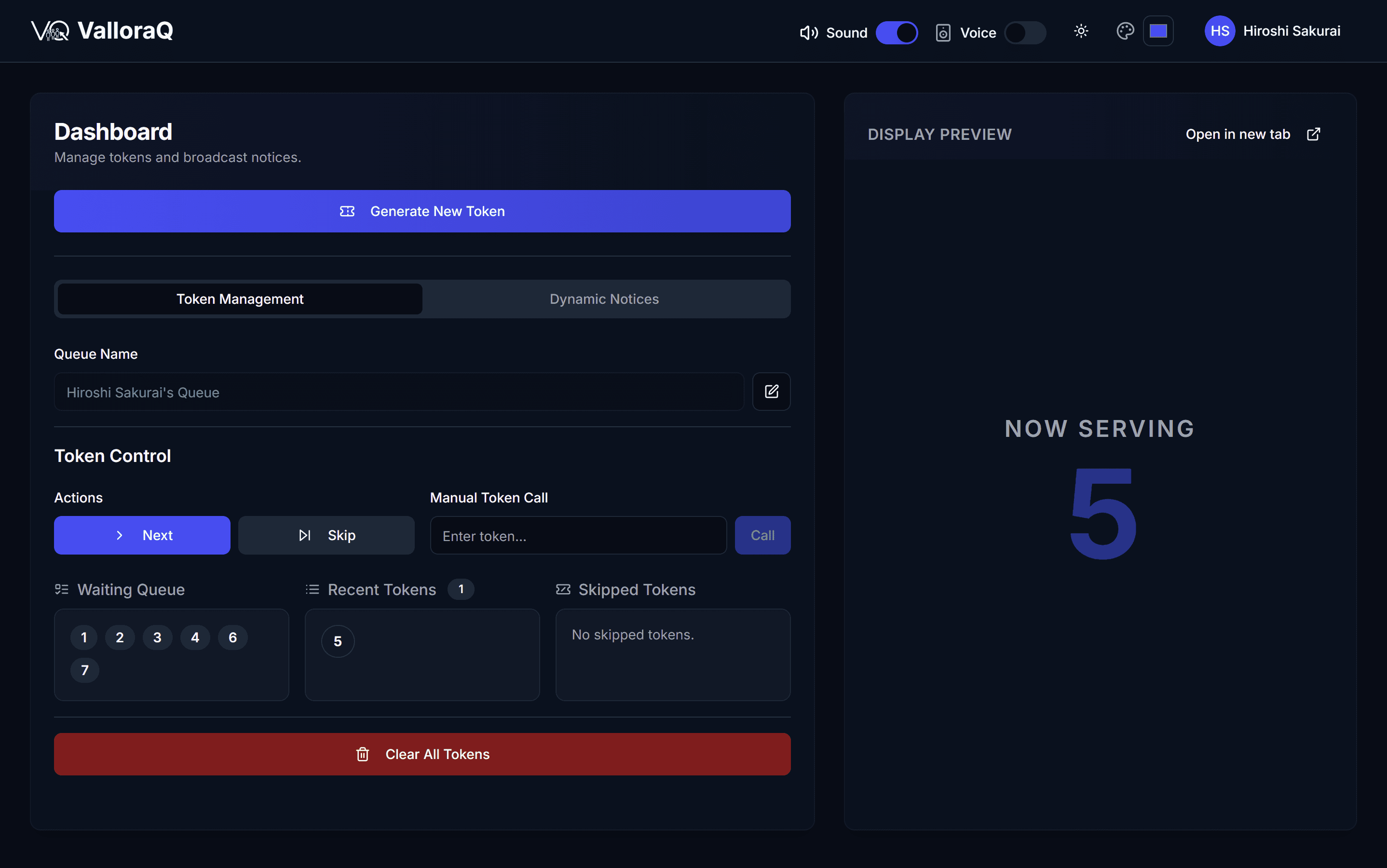
- A display screen (and ideally a voice announcement) shows who's next.
- Patients sit down, step out, or wait in their vehicle — without losing their place.
The waiting room gets calmer, the front desk stops being interrupted, and the same staff handle more patients with less stress. We've written a deeper dive on this in how a queue management system cuts customer wait times — the mechanics apply directly to clinics.
Step 3: Put the consultation record where it can't be lost
Paper case files fail in two directions: they go missing, and they can't be searched. A digital OPD record keeps every visit — complaints, diagnosis, prescriptions, notes — attached to the patient, retrievable in one click at the next consultation.
For the doctor, this means walking into every consultation with context. For the clinic, it means continuity of care doesn't depend on a filing cabinet.
Practical tips that make digital records stick:
- Keep data entry minimal during consultation. Templates and short structured fields beat long free-text forms.
- Record prescriptions digitally so refills and repeat visits take seconds.
- Let the record drive the bill — every service noted during the visit should flow straight into billing.
Step 4: Bill from the record, not from memory
Manual billing is where clinics lose the most quiet money: forgotten charges, arithmetic errors, and unbilled consumables. When billing is generated from the visit record, the bill is ready the moment the consultation ends — accurate, itemized, and printed or shared digitally in seconds.
The end-of-day picture changes too: instead of reconciling slips, you get a daily report of visits, revenue, and outstanding payments automatically.
Step 5: Use appointment slots to flatten the evening rush
Most OPDs have a demand curve that spikes after office hours. Pure walk-in models concentrate that spike at the desk. Even a loose slotting system — morning/evening blocks, or 15-minute bands — spreads arrivals, shortens peak queues, and lets you staff sensibly.
The trick is to keep walk-ins possible (they always happen) while giving booked patients predictable entry. Software that handles both in one queue prevents the two streams from colliding.
What this looks like in practice
A streamlined OPD flow, end to end:
| Stage | Before | After |
|---|---|---|
| Registration | Rewritten every visit | One-time record, instant lookup |
| Queue | Crowd at the desk | Token + display + announcement |
| Consultation | Paper file, if found | Full digital history on screen |
| Billing | Reconstructed at the end | Generated from the visit record |
| Reporting | Manual tallies | Automatic daily summaries |
Clinics that make these changes typically see shorter visible queues, faster patient turnaround, fewer billing disputes, and — the underrated one — much lower staff stress at peak hours.
Choosing the software to run it
You can implement everything above with a focused clinic platform — you don't need (and shouldn't pay for) a full hospital information system. Look for:
- Patient records with visit history and prescriptions
- Appointment scheduling that coexists with walk-ins
- Billing linked to the consultation
- Multi-doctor support if you have more than one chair
- Cloud-based access with no server to maintain
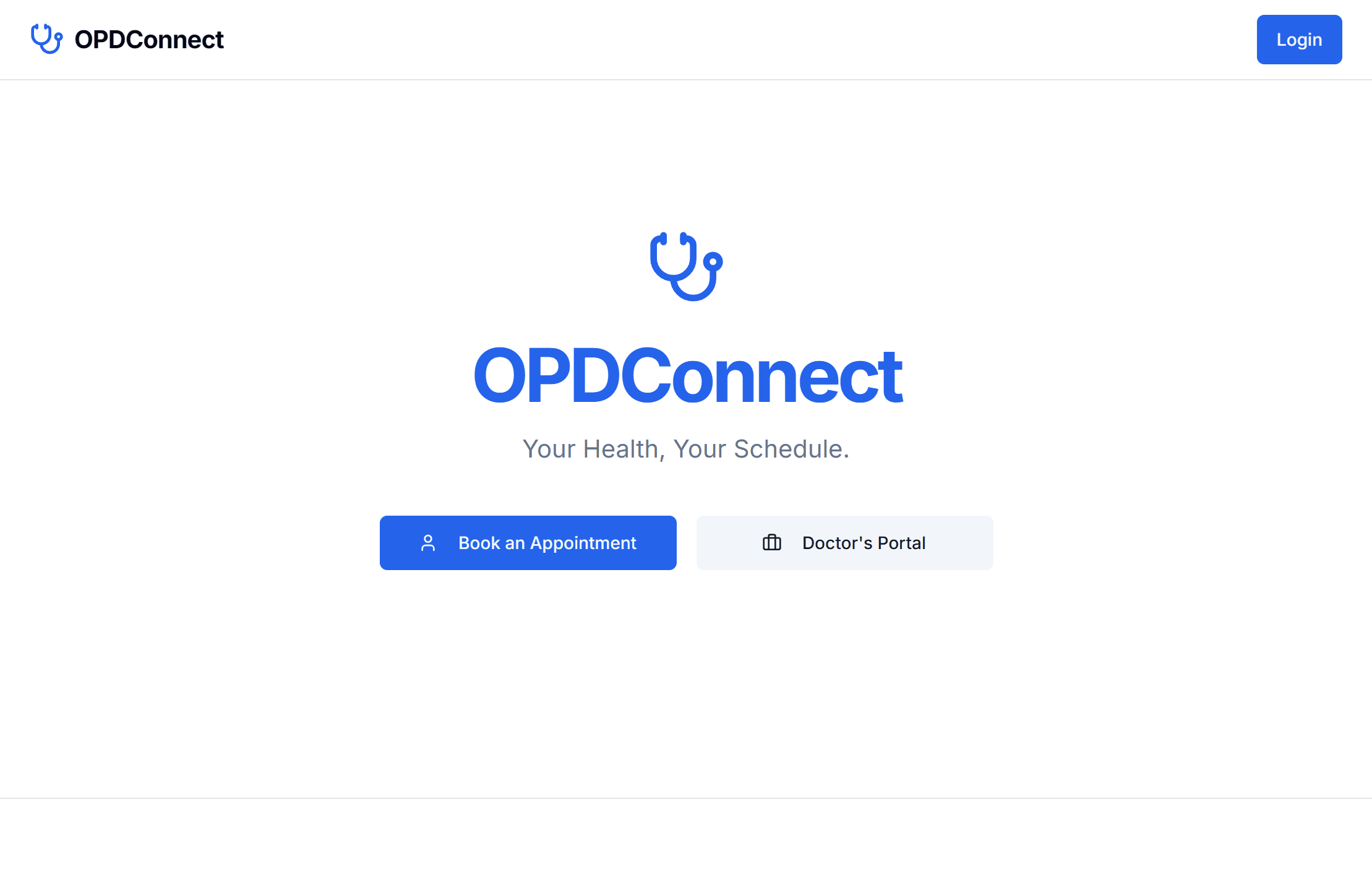
OPD Connect — our clinic and OPD management platform — was built around exactly this workflow: registration, appointments, records, and billing in one system, designed for Indian clinics and small hospitals. Pair it with a token system like ValloraQ and the waiting-room experience transforms too.
If you're evaluating options, our clinic management software buyer's guide breaks down the features that matter and the ones that are just noise.
Streamlining an OPD isn't a technology project — it's four small process fixes that happen to need a good tool. Start with registration and the queue; the rest follows naturally.
Frequently asked questions
- What does OPD stand for in a hospital or clinic?
- OPD stands for Outpatient Department — the part of a clinic or hospital where patients are consulted, diagnosed, and treated without being admitted. For most clinics, the OPD is the entire business.
- What is OPD management software?
- OPD management software digitizes the outpatient workflow: patient registration, appointment scheduling, consultation records, and billing. Instead of paper registers and separate notebooks, every visit lives in one linked digital record.
- How can a clinic reduce OPD waiting time?
- The biggest wins come from appointment slotting instead of pure walk-ins, digital token queues so patients know their turn, pre-filled registration for repeat patients, and billing that is generated from the consultation record instead of written up separately.
- Is OPD software suitable for a single-doctor clinic?
- Yes. Single-doctor clinics often benefit the most, because the doctor is also the administrator. Cloud-based OPD software removes the paperwork burden without needing any IT staff or servers.
Ready to launch fast and scale smart?
Kaelix Technologies builds rapid, AI-powered software for growing businesses. Tell us your workflow and we'll show you what's possible.